 seek
seekSeek guides
You cannot search for what you cannot name
Start from a photo instead. These guides show how to identify common kinds of objects with Seek, and what to do next: find the manual, a spare part, or where to buy it.
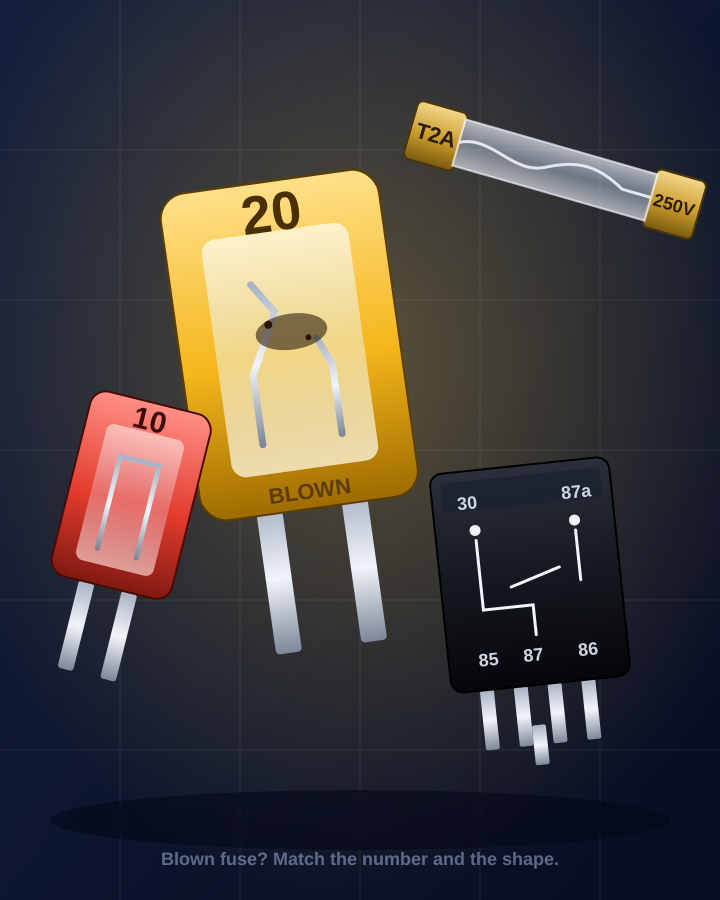
Identify a fuse or relay by photo
A dead circuit, a blown fuse or a clicking relay. Read the colour and the number, then buy the exact same rating.
Read the guide →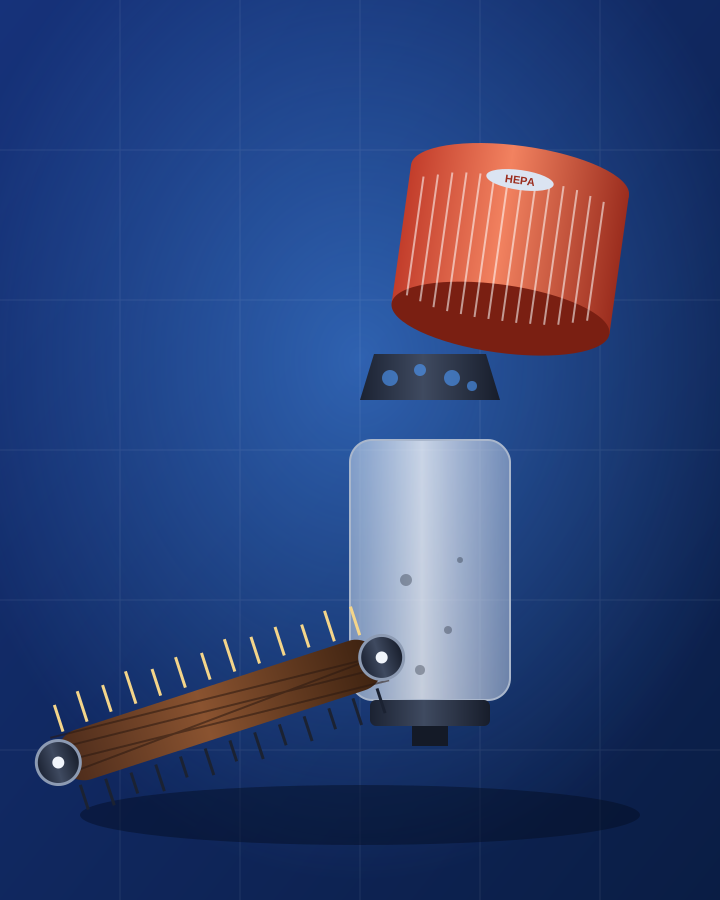
Identify a vacuum part by photo
A clogged brush bar, a missing filter, a hose with a split. Name the part from a photo and match it to your vacuum before you order a replacement.
Read the guide →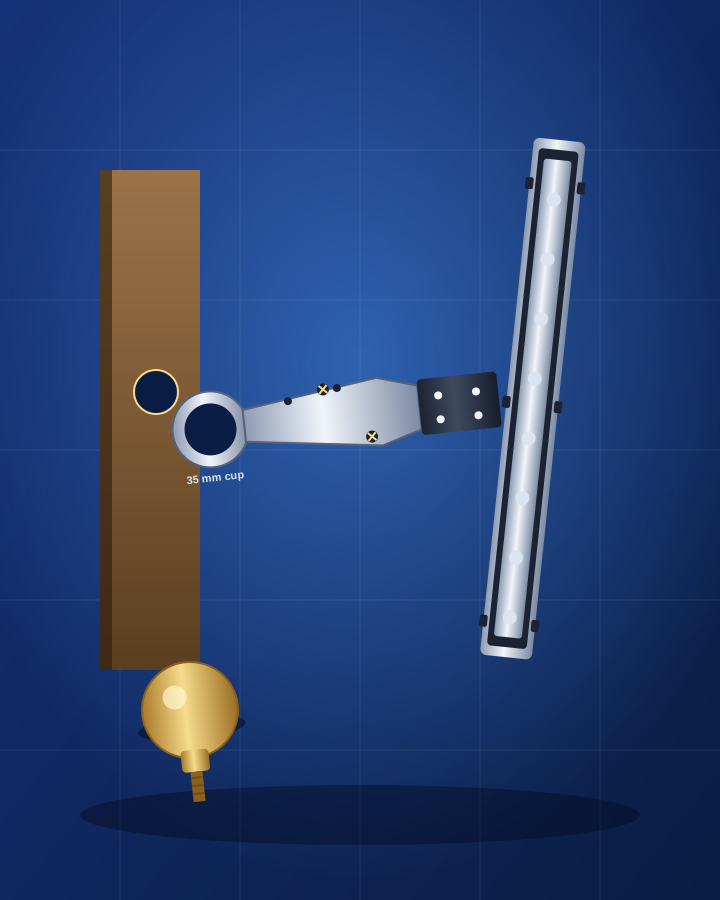
Identify door or cabinet hardware by photo
A cup hinge, a drawer runner, a knob or a pull. Name the hardware from a photo, read the stamp on the back and find one that matches your door or drawer.
Read the guide →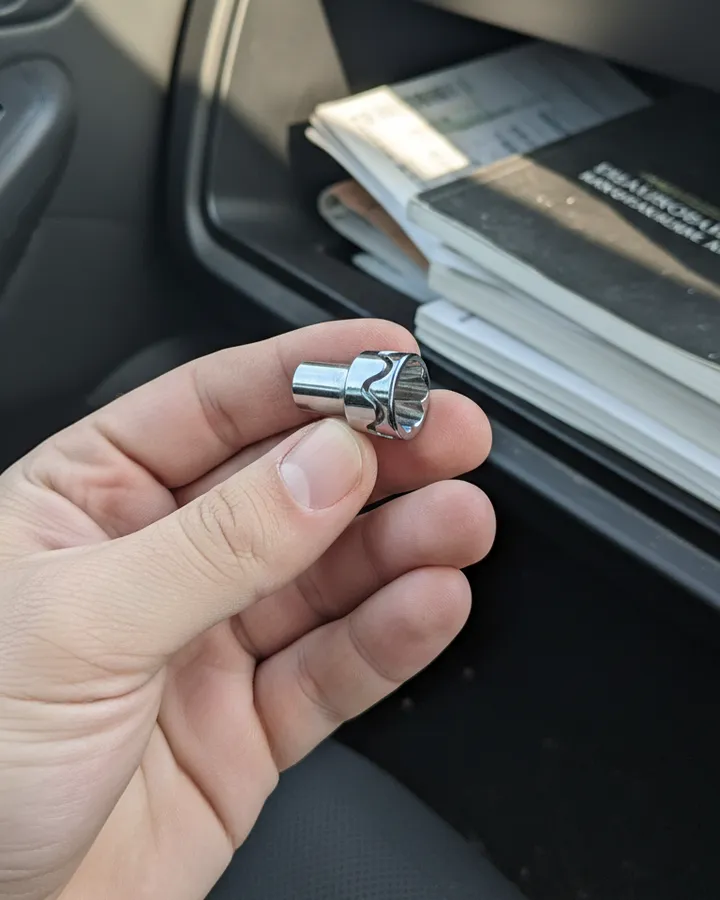
What is a wheel lock key?
Flat tire and the mechanic asks for your wheel lock key? See what it looks like, where to find it, and how to get a new one.
Read the guide →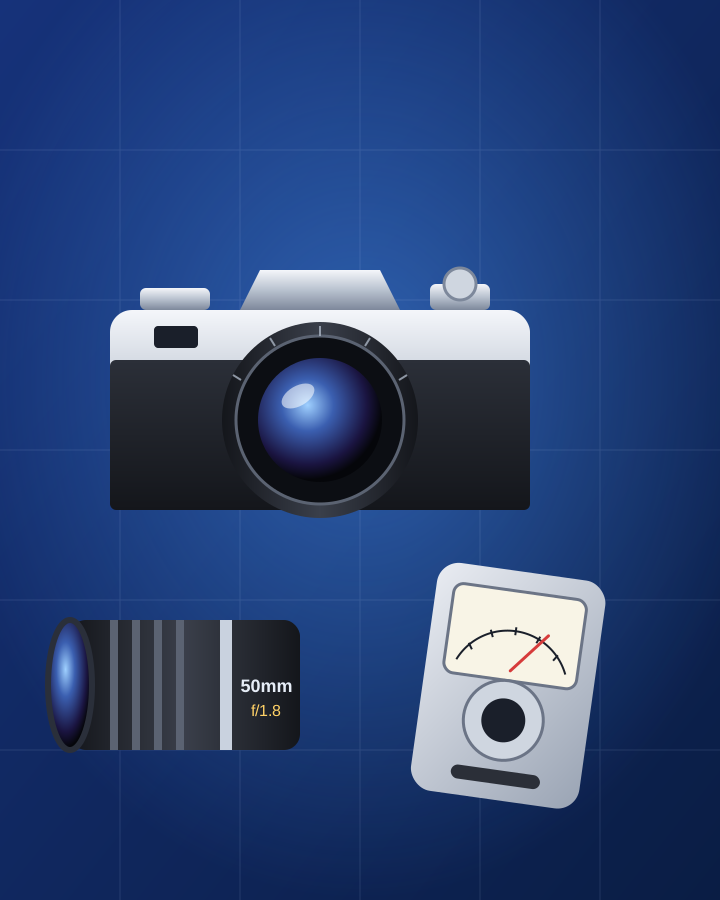
Identify an old camera or lens by photo
An old film camera, a loose lens or a light meter from a cupboard. Name it, read the markings, find the manual, film and battery.
Read the guide →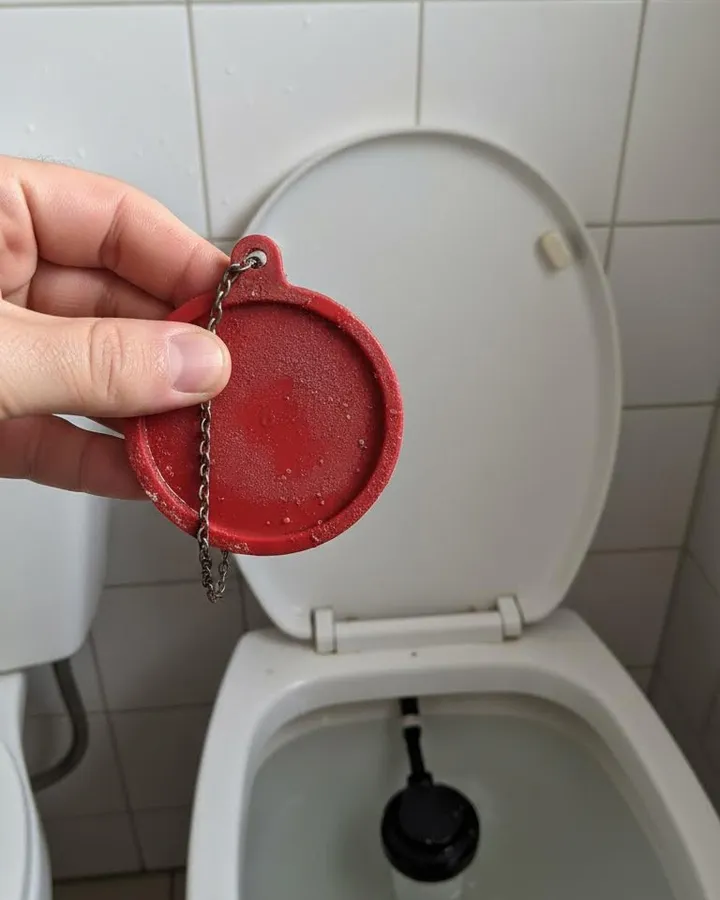
Identify a toilet part by photo
A toilet that runs all night or never stops filling. Name the tank part from a photo, test it, and find a replacement.
Read the guide →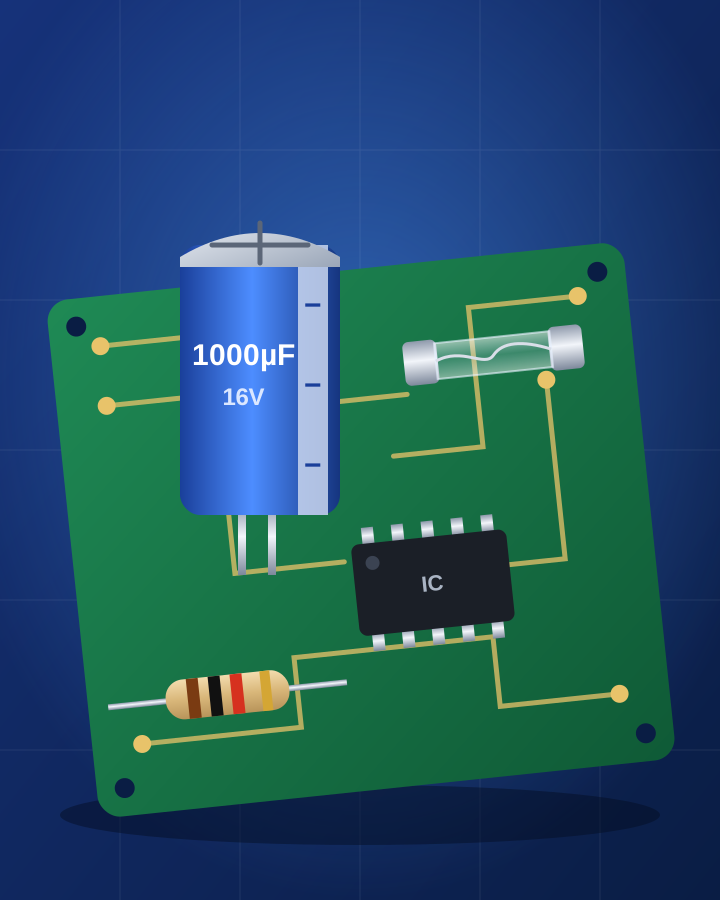
Identify an electronic component by photo
A swollen capacitor, a blown fuse, a part with colour bands. Name the component from a photo, read its markings, and find a match.
Read the guide →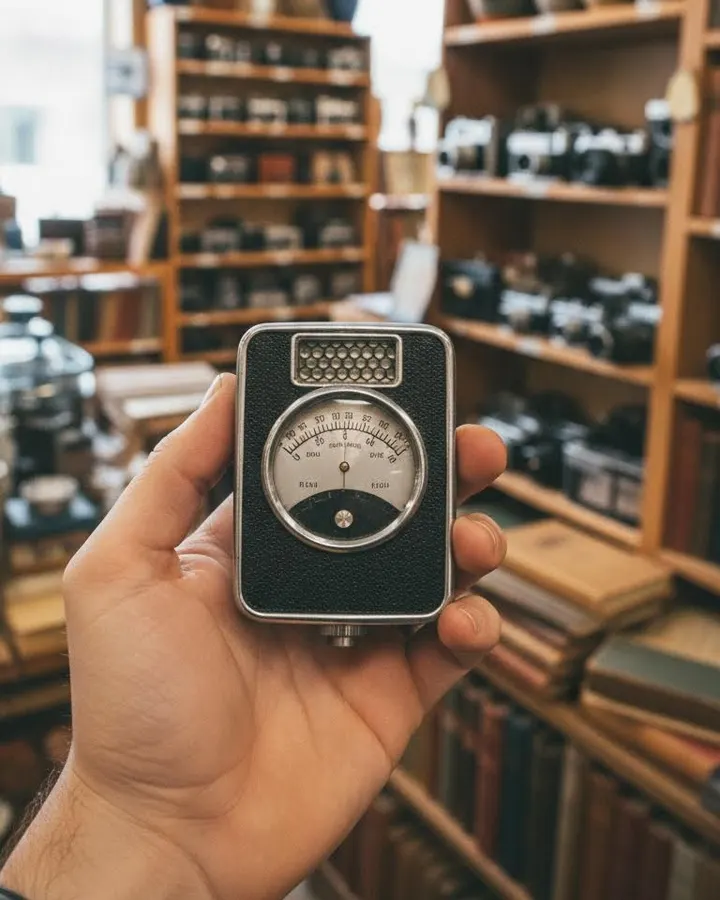
Identify a vintage item by photo
An old object from a thrift store or an attic. Get the name, then learn how to use it, fix it, or find its manual.
Read the guide →
Identify flat-pack furniture and parts by photo
Lost the instructions or a small fitting? Name the piece and the part, then find the assembly guide and a spare.
Read the guide →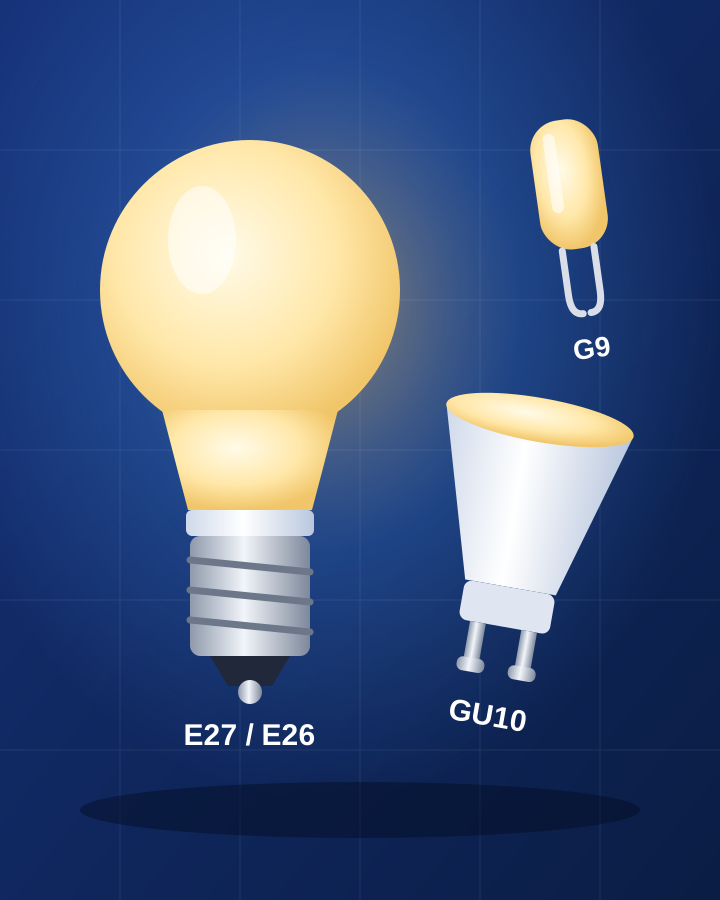
Identify a light bulb by photo
A bulb blew and the shop has fifty kinds. Read the base, the shape and the label, and buy the right one.
Read the guide →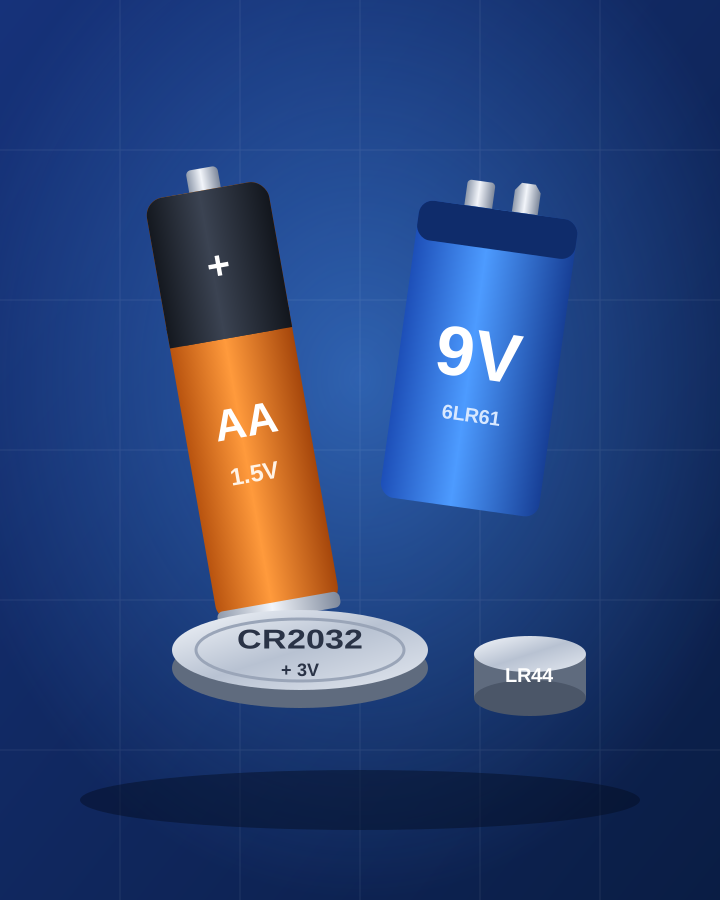
Identify a battery type by photo
A dead battery and no idea which one to buy. Read the code, check size and volts, and find the same one.
Read the guide →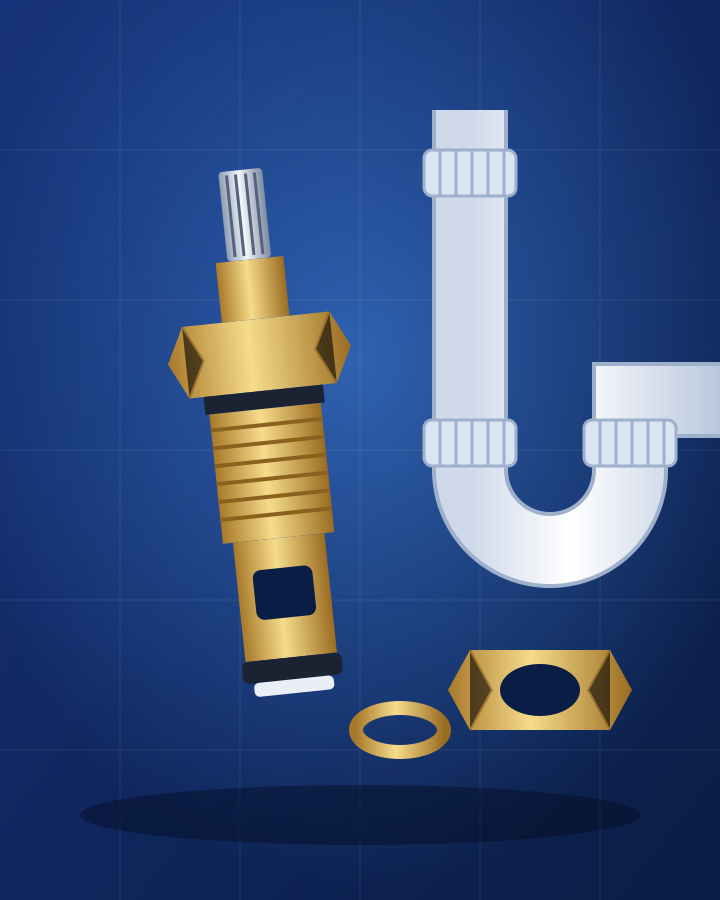
Identify a plumbing part by photo
A dripping tap or a running toilet. Name the part from a photo, measure it the right way, and buy one that fits.
Read the guide →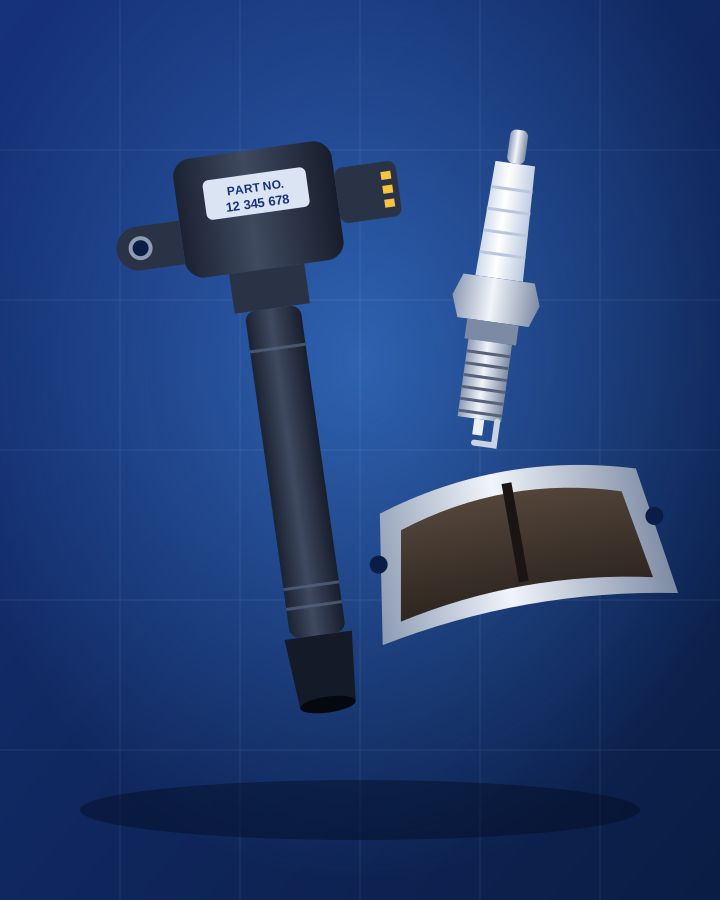
Identify a car part by photo
A mystery part from the garage or under the hood. Get the name, find the part number, and buy one that fits your car.
Read the guide →
Identify a sewing tool by photo
An odd wooden or metal thing from an old sewing box. Get the name from a photo, then learn how to use it.
Read the guide →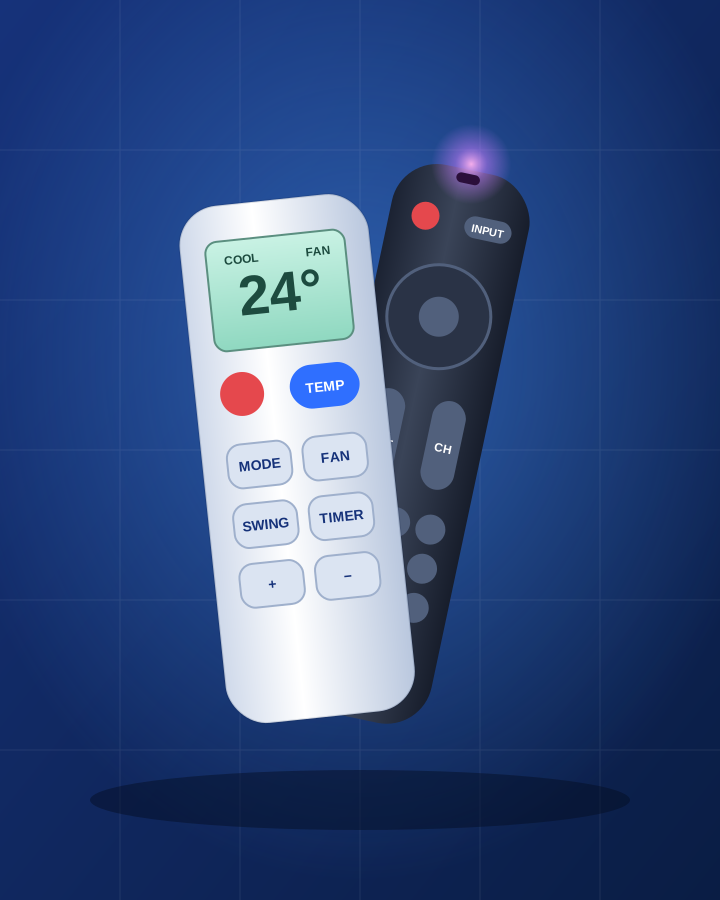
Identify a remote control by photo
A remote with no device. Read the button clues, test it with your phone camera, and find the right replacement.
Read the guide →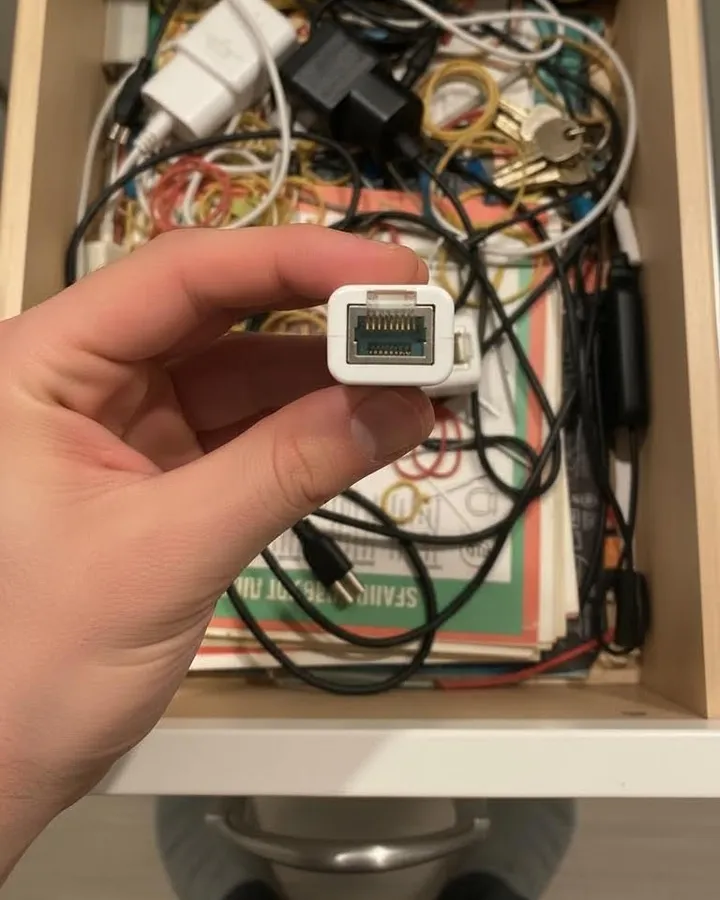
What is this thing in my junk drawer?
Small mystery parts you kept "just in case". Photograph each one, get the name, then keep it, use it, or toss it.
Read the guide →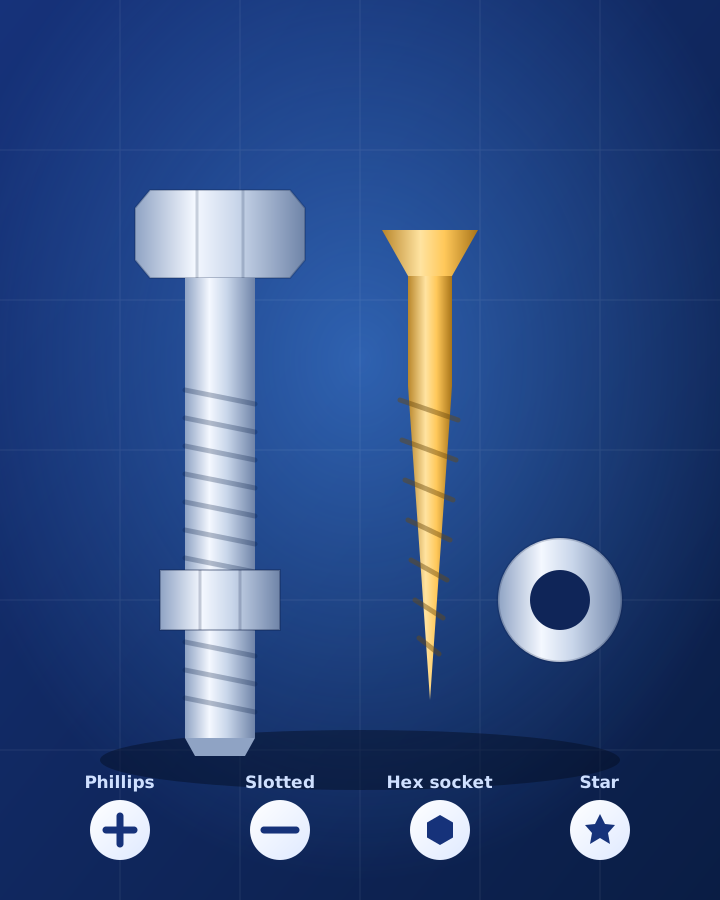
Identify a screw or bolt by photo
One screw is missing and you need the same one. Get the type from a photo, measure two numbers, and buy the right one.
Read the guide →
What is this object? How to identify any item by photo
The general method: how to turn a photo of any unknown item into a name you can search for.
Read the guide →
Toy finder by picture: identify a toy from a photo
Find the name of a toy from a photo, so you can replace a lost favorite or complete a set.
Read the guide →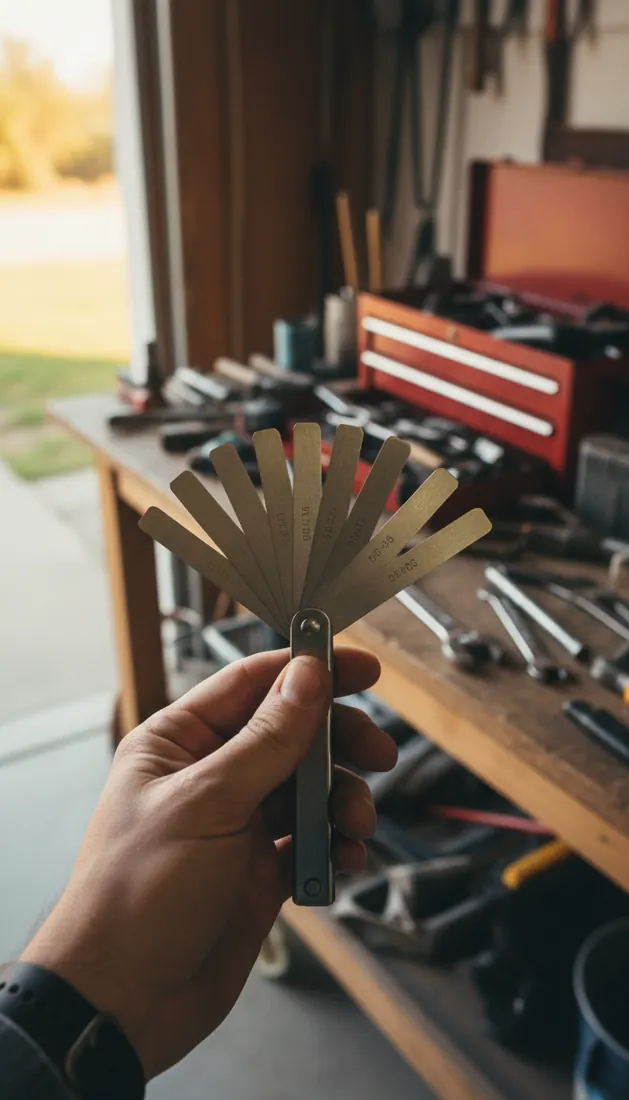
Identify a tool by photo
Name the strange tool from the bottom of the toolbox, then find its manual or a replacement.
Read the guide →
Identify a kitchen tool by picture
Work out what that odd utensil in the drawer is for, and how to use it.
Read the guide →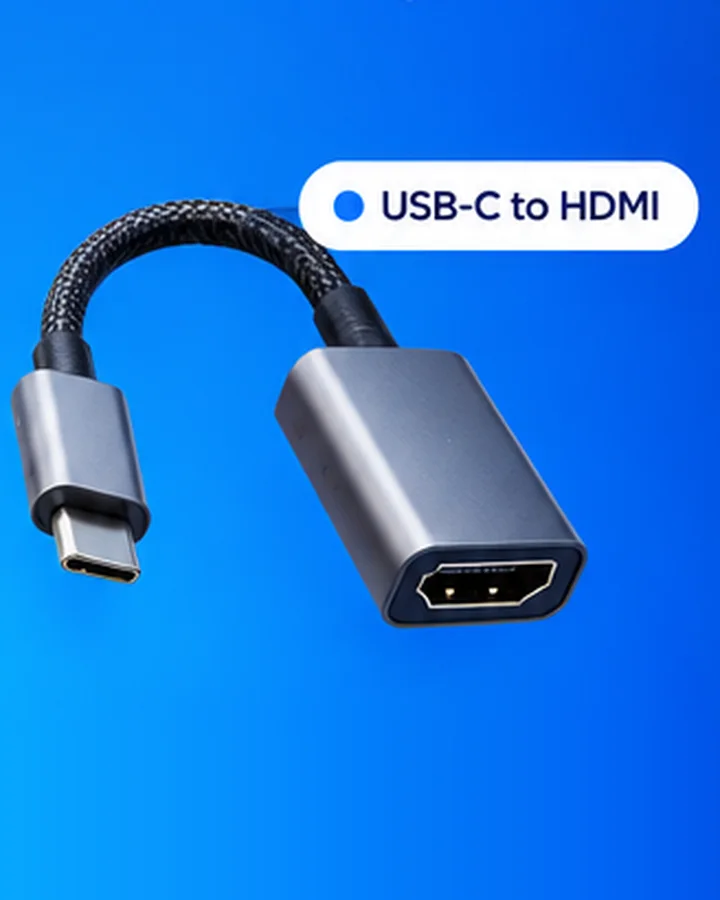
Identify a cable, charger or adapter by photo
A drawer full of cables. Photograph the plug, get its name, then find the right charger or adapter.
Read the guide →
Find a user manual from a photo of the product
Lost the manual and do not know the model? Start from a photo, find the label, then get the right manual.
Read the guide →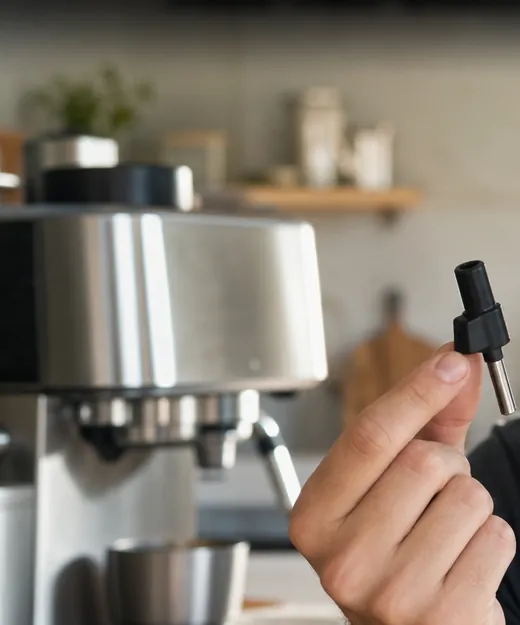
Find a spare part from a photo
A part broke and you do not know its name. Start from a photo, then find the part, the manual, and a repair guide.
Read the guide →Know what you see.
Scan the thing you cannot name. Seek tells you what it is, then helps you fix it, find it, or buy it. Free on iPhone and Android. Questions? See the Help Center.

