 seek
seek

Every home has one drawer where small things go when nobody knows what they are. A white plastic block with two sockets. A tiny metal pin on a card. An L-shaped bar of metal. A little bag of round metal pieces from a piece of furniture. You keep them for years “just in case”, because throwing away something that might matter feels worse than keeping it.
The problem is not the drawer. It is the missing name. Once you know what a thing is, the decision is easy: use it, keep it with the thing it belongs to, buy the right replacement, or let it go. This guide shows how to name the mystery objects with a photo, using Seek, and what to do with the answer.
A worked example: the little white block with two sockets
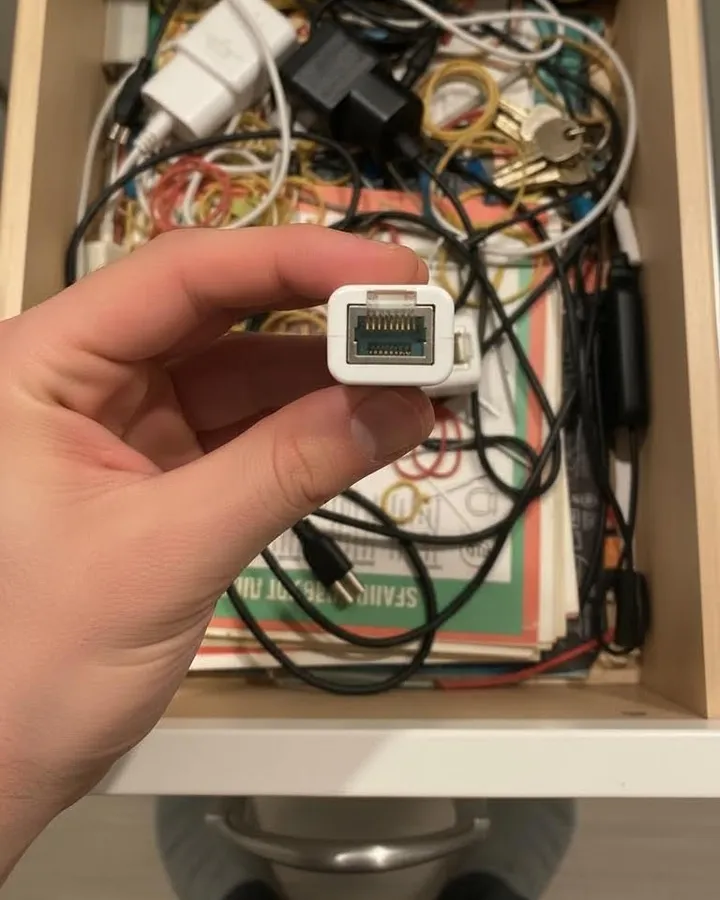
The drawer below has the usual mix: chargers, rubber bands, keys, and one small white plastic block that has been there for five years. It has a square socket on each end, a bit like a phone jack but wider.
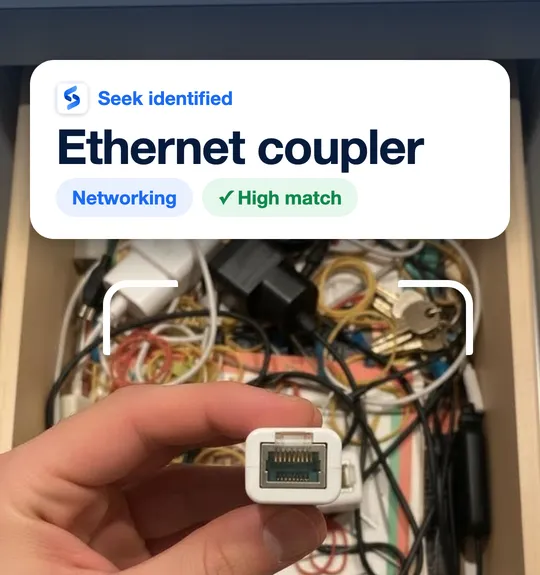
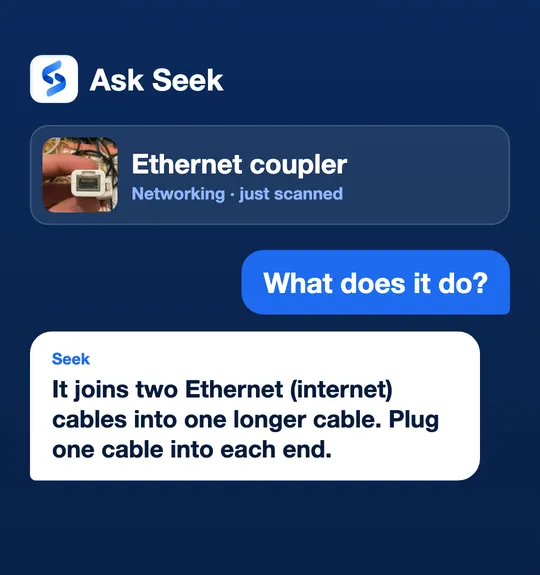
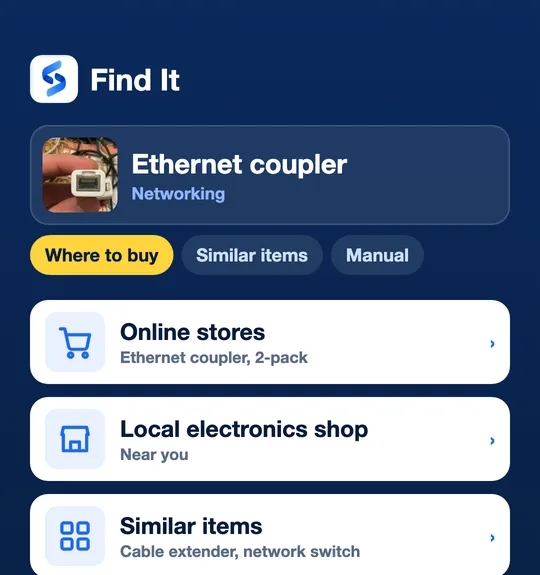
Seek identifies it as an Ethernet coupler in the Networking category. A follow-up question in Ask Seek, “What does it do?”, gets a plain answer: it joins two Ethernet (internet) cables into one longer cable. Now the decision is simple. If your router is in another room and a cable is too short, this little block solves it, so it stays — next to the router, not in the drawer. If you never use wired internet, it can go. And if you need a second one, Find It shows where to buy it and similar items, like a longer cable or a network switch. The screens above are examples of the Seek flow.
Step by step: empty the drawer with your phone
- Take everything out. Put the items on a plain table, a sheet of paper, or a kitchen towel. A plain background makes each object easier to recognise.
- Scan one item at a time. Hold it in your hand or lay it flat, fill most of the frame, and use good light. Seek gives a name, a category, and a confidence score.
- Show the side that tells the story. For a connector, show the socket or plug end. For a pin, show the tip. For a furniture part, show the slot or thread.
- Ask what it is for. With Ask Seek you can type or say “What does it do?”, “What does it belong to?”, or “Is it safe to throw away?”.
- Use Find It if you need it. Find It helps you look for where to buy, a user manual, spare parts, repair guides, and similar items.
- Sort into four piles: use now, keep with its owner, replace, and let go. Save the useful ones to a Seek collection so next time you remember what they are.
Quick reference: common junk-drawer mysteries
- Ethernet coupler Small block with a square, clip-in socket on each end. Joins two internet cables.
- SIM ejector tool Thin metal pin, often with a round loop, usually stuck to a card from a phone box. Opens the SIM tray on a phone.
- Hex key (Allen key) L-shaped metal bar with six flat sides. Comes with flat-pack furniture and bikes. Keep it with the furniture it came with.
- Cam lock Round metal disc with a slot on top and an arrow or notch. Holds flat-pack furniture panels together.
- Wooden dowel Short wooden peg with grooves along it. Also a flat-pack spare.
- Wall plug (anchor) Small plastic sleeve with ribs or fins. Goes into a drilled hole so a screw holds in the wall.
- Ferrite bead Heavy plastic cylinder that clips around a cable. Reduces electrical noise; it belongs on a cable, often a monitor or laptop cable.
- Coin cell battery Flat round silver battery with a code like CR2032 printed on it. Used in car keys, scales, and watches. See how to read battery codes.
- Spare button with a fabric swatch Tiny bag from a new shirt or coat. Keep it with the clothing, or let it go.
- Picture hanging hook Small hook with a hole for a thin nail. Hangs a frame on the wall.
- Plug fuse Small ceramic or glass cylinder with metal caps and a number like 3A or 13A. Replace a fuse only with the same rating.
- Furniture or cabinet key Small flat key with a short blade or a number on it. Try it on desks, filing cabinets, and display cases before you toss it.
These are general descriptions. Similar-looking items can be different things, so check the name against the object before you use it.
Keep it or toss it? A simple rule
- Keep with its owner if it belongs to something you still have: a hex key with the bed, spare buttons with the coat, a cam lock with the bookshelf. Tape it to the back of the furniture or put it in a labelled bag.
- Use it now if it solves a problem you have today, like the coupler for a short cable.
- Replace it if it is broken or you need more. Use Find It to look for where to buy the same part or a similar one.
- Let it go if it belongs to nothing you own. Take old batteries, chargers, and cables to an electronics or battery recycling point instead of the bin.
Photo tips for small objects
- Get close, but keep it sharp. Tap the screen to focus on the object.
- Avoid a busy background. A messy drawer is a hard background; take the item out first.
- Show printed text. Numbers like CR2032, 13A, or a part number help a lot.
- Scan a second side if the first result does not look right.
Honest limits
Seek suggests a name, a category, and a confidence score. A result can be wrong, and the exact brand or model is not guaranteed, especially for small generic parts that look alike. The photo is sent to Seek’s servers to be identified. For anything electrical, check the rating printed on the part before you use it. Keep coin cell batteries away from small children, because they are dangerous if swallowed.
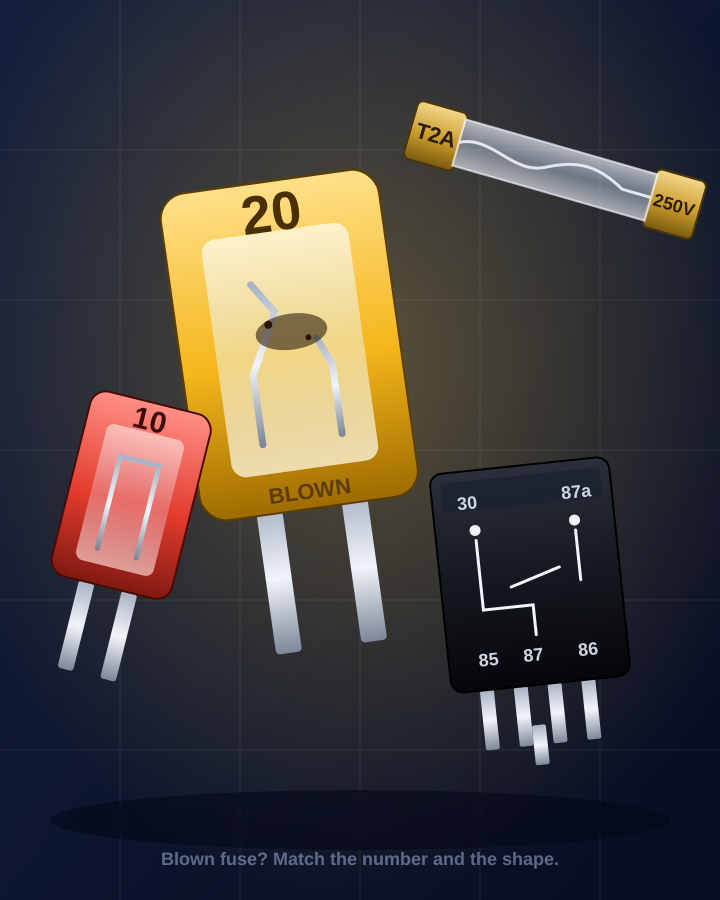
Many junk-drawer items are cables and chargers; for those, see identify a cable, charger or adapter by photo. For loose screws and bolts, see identify a screw or bolt by photo. For a lone car fuse, a glass tube with metal end caps or a small black cube with four pins, see identify a fuse or relay by photo. For odd workshop tools, see identify a tool by photo, and for any other object, start with what is this object?
Common questions
How do I find out what something in my junk drawer is?
Take the item out, put it on a plain background, and scan it with the Seek app. You get a name, a category and a confidence score. Then use Ask Seek to ask what it is for.
What is the small white block with a socket on each end?
Often it is an Ethernet coupler, which joins two internet cables into one longer cable. Check that the sockets are the wide, clip-in kind used for internet cables.
Should I throw away small parts from flat-pack furniture?
Keep hex keys, cam locks and dowels with the furniture they came with, for example taped inside a drawer or on the back panel. You will need them when you move or tighten it.
Can Seek tell me where to buy a replacement?
Yes. After a scan, Find It helps you look for where to buy the item, similar items, a user manual, spare parts and repair guides.