 seek
seek


01
Camera-first
Seek was built around visual input from day one — the camera is the front door, not an afterthought.
Seek — Know what you see.
Turn the things you notice into something you remember.
Scan an unfamiliar object, understand what you found, and save the discoveries you want to find again.
Point · identify · save
Seek helps you scan an object, check a result, and save discoveries into a collection.
The moment you wonder
A plant on a desk. Headphones on a table. An object that stops you for a second — then usually disappears back into the day.

From a glance to an answer
Seek sends the photo to Seek’s servers for identification. You get a name, a category, and a confidence score. Exact brand or model is not guaranteed.

Open Seek and point at the object.

A quiet recognition state while Seek works.

Name, category, and confidence — worth checking.
See Seek in action
Point, get a name, ask a follow-up — about 20 seconds.
Save what matters
After a result, save what you want to keep. Organize finds in collections and inventory — stored with your device on Seek’s servers.
Illustrative saved-collection layout
Your curiosity becomes a collection
A living shelf of objects you noticed — searchable by name, brand, or category across your scans and collections.


Confidence is shown in the app · Vision
A clear name and category you can check. An exact brand or model is not guaranteed.
AI object recognition
When Seek identifies an object, you get a name, a category, and a confidence score. The result can be wrong.
Ask About This
After identifying an object, Seek stays in context so a follow-up does not start from zero.
Then use Find It: where to buy it, the user manual, spare parts, repair guides, and similar items, all from the same scan.
Follow-ups stay attached to the scan you just made.
Why Seek
Seek was built around visual input from day one — the camera is the front door, not an afterthought.
Rather than identifying everything poorly, Seek stays with the object and helps you understand it.
A scan can be wrong. Confidence is a guide, not a guarantee of the brand or model.
Collections and inventory are stored with your device on Seek’s servers, not only on the phone.
Privacy & Trust
A photo you take in Seek is sent to Seek’s servers so the app can identify it. Do not assume that photo is deleted the moment the result appears.
Recognition runs through Seek’s API, using an AI vision provider. It is not an on-device-only scan.
Collections and inventory are stored on Seek’s servers, tied to your device.
You may get the wrong name, or no exact model. Check anything that matters.
This site may record anonymous visitor and session ids, page views, section views, store clicks, referrer and UTM data, device type, country, and exit information. A raw IP, name, or email is not stored unless you send the contact form.
What can Seek identify?
Seek works best on man-made things you can hold or point at. Each one has a short guide: how to scan it, how to recognise it, and what to do after the name.
Hand tools, measuring tools and odd tools from an old toolbox.
Peelers, presses, slicers and parts of coffee machines.
Plugs, chargers and adapters, and how to pick the right one.
Which device a remote is for, and how to find a replacement.
Type and drive from a photo, then measure for the size.
Darning mushrooms, seam rippers, bobbins and other sewing box mysteries.
Toys and toy parts, and where to find a missing piece.
Name a part from the garage or under the hood, then find one that fits.
Tap cartridges, washers, traps and fittings, and how to match them.
Coin cells, AA, 9 V and tool packs: read the code and buy the same one.
Screw, bayonet and pin bases, and how to pick the right bulb.
Cam locks, dowels and shelf pins, plus lost assembly instructions.
Thrift-store and attic objects: what it is and how it was used.
Flappers, fill valves and push buttons, for a toilet that keeps running.
Capacitors, fuses and resistors: read the markings, find a match.
Wheel lock keys, jacks and wrenches: what they are and where they hide.
Film cameras, lenses and light meters: manual, film and battery.
Brush bars, filters, hoses and end caps: name a part and match it to your vacuum.
Hinges, drawer slides, knobs and pulls: read the brand stamp and find a match.
Blown blade fuse, glass fuse or clicking relay. Read the number and match the amp rating.
Small mystery items, and how to decide what to keep.
Name a broken part, then find a replacement, a repair guide or the manual.
No idea what it is? Start here with any object.
Guides
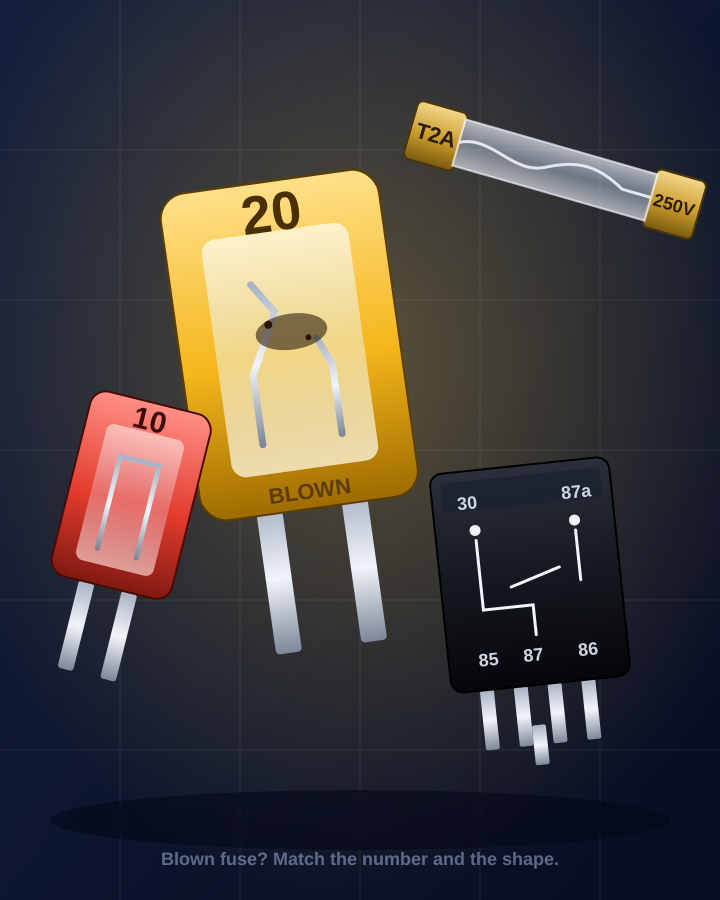
A dead circuit, a blown fuse or a clicking relay. Read the colour and the number, then buy the exact same rating.
Read the guide →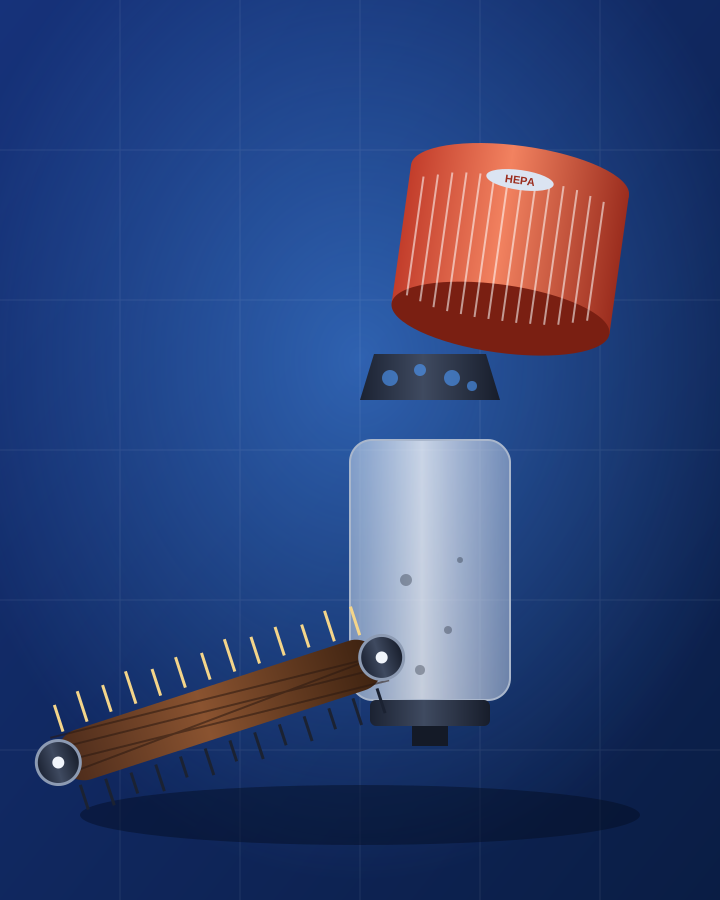
A clogged brush bar, a missing filter, a hose with a split. Name the part from a photo and match it to your vacuum before you order a replacement.
Read the guide →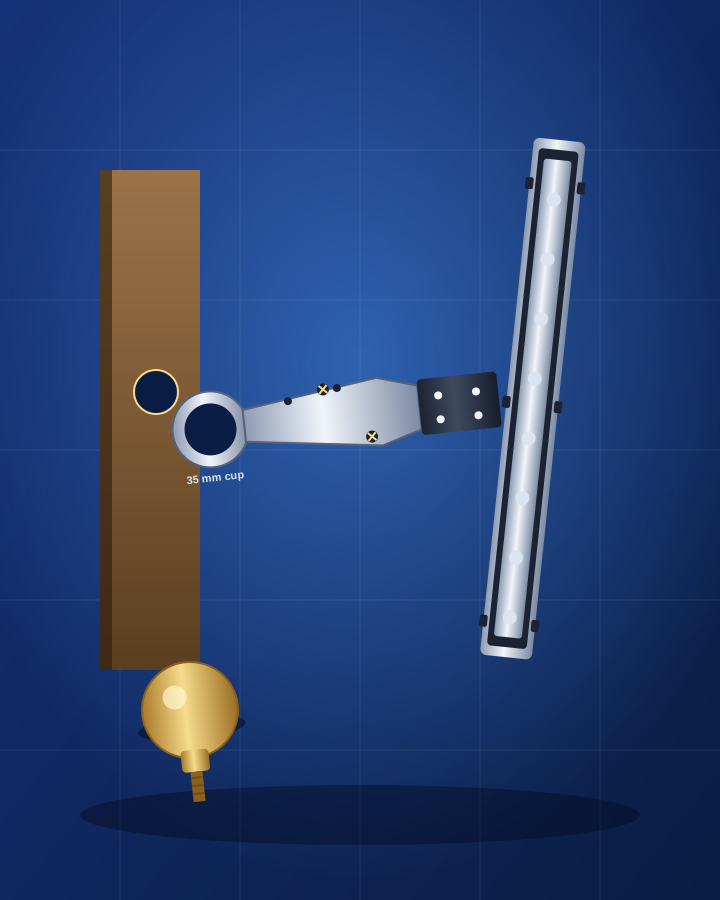
A cup hinge, a drawer runner, a knob or a pull. Name the hardware from a photo, read the stamp on the back and find one that matches your door or drawer.
Read the guide →FAQ
Seek is an AI object identifier for iPhone and Android. Take a photo of something you do not recognize and see a suggested name.
The photo is sent to Seek’s servers. The app returns a name, a category, a confidence score, and sometimes alternatives. A result can be wrong, especially for an exact brand or model.
Everyday objects, products, plants, electronics, and other visible items. It will not identify every object, and it may miss an exact model.
After a scan, Find It helps you look for where to buy the item, its user manual, spare parts, repair guides, and similar items. Ask Seek answers follow-up questions about the object by text or voice. See the spare parts guide for an example.
Curated groups of scans — so discoveries stay organized instead of disappearing into a camera roll.
Yes. You can save identified objects into collections and keep an inventory of what you own. Those lists are stored with your device on Seek’s servers.
Search across your scans and collections by name, brand, or category.
Yes. Download it on the App Store and Google Play.
Seek is free to download and use. Seek Pro is not available yet.
Scan photos are uploaded to Seek’s servers for identification. Collections and inventory may be stored on those servers with your device. This website may record anonymous visitor and session ids, page views, section views, store clicks, referrer and UTM data, device type, country, and exit information. It does not store a raw IP address, name, or email unless you send the contact form.
seek
Download Seek. Scan an unfamiliar object. Save the discoveries that matter.